
how to fix a lithium battery not charging usually comes down to narrowing one question fast: is the problem the charger, the battery’s protection system, or the cells themselves.
When a lithium pack refuses to take a charge, it’s tempting to keep plugging it in, swap random cords, or “jump” it with another battery. That’s where people get stuck, and sometimes where they create avoidable safety risk.
This guide gives you a practical troubleshooting flow, what symptoms typically mean, what you can try at home, and where the line is for calling a battery shop or the device manufacturer.
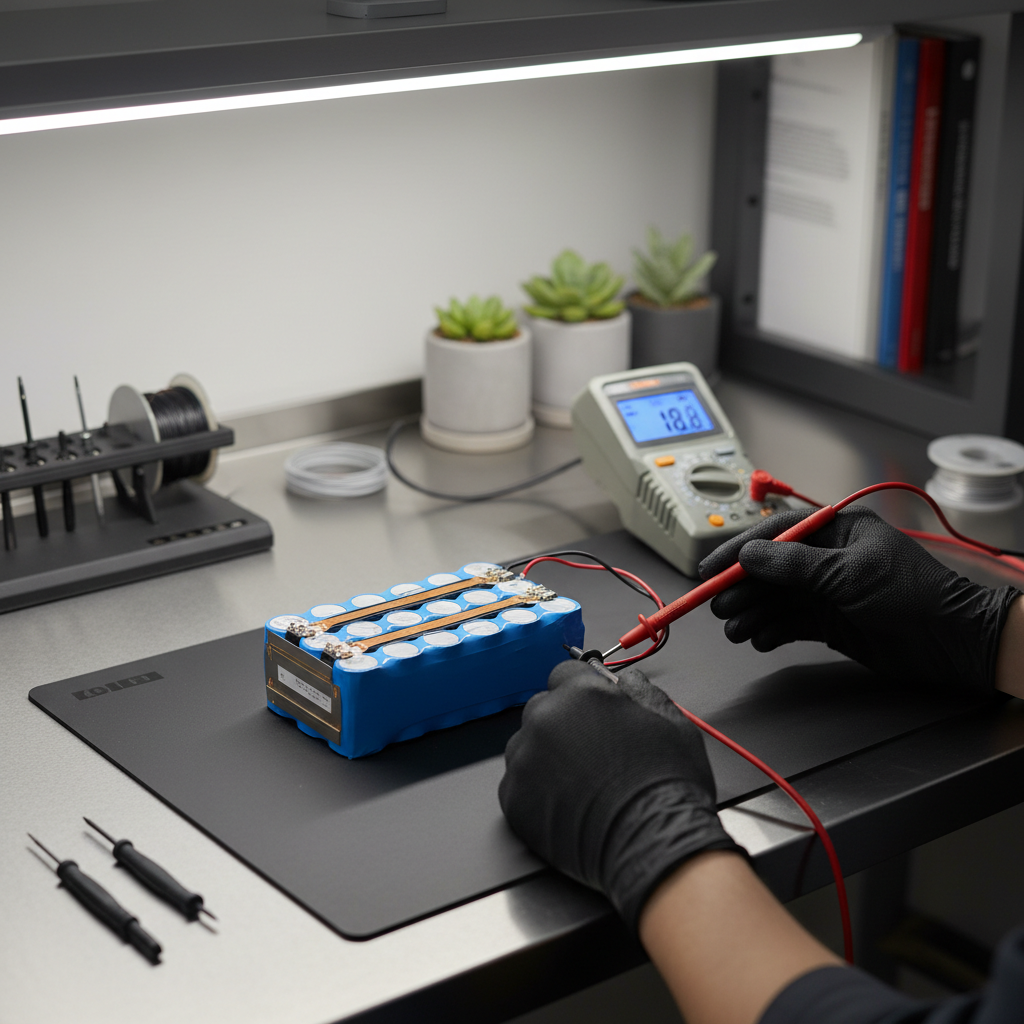
Start with safety and a quick “do-not-do” list
Lithium batteries can fail in boring ways, but they can also fail in ways that get hot quickly. Before you chase a fix, set a few guardrails.
- Stop immediately if the pack is swollen, hissing, leaking, smells sweet/solvent-like, or the case feels unusually hot.
- Don’t pierce, clamp, crush, or bend a lithium pack to “wake it up.”
- Don’t bypass the BMS (battery management system) unless you truly know the pack design and have proper equipment.
- Charge on a non-flammable surface with ventilation, away from paper, bedding, and solvents.
According to NFPA (National Fire Protection Association), lithium-ion battery incidents are often worsened by improper charging, damaged packs, or using incompatible chargers, so it’s worth slowing down here.
What “not charging” really means (symptoms matter)
Different “not charging” behaviors point to different causes. If you name the symptom accurately, you usually shorten the troubleshooting by half.
| What you see | What it often suggests | What to check first |
|---|---|---|
| No lights, no response from charger | No power to charger, bad cable/port, wrong charger type | Outlet, adapter specs, cable/connector fit |
| Charger light turns on but never starts charging | BMS lockout, temperature too hot/cold, pack voltage too low | Pack temp, reset steps, measure pack voltage |
| Charging starts then stops quickly | Loose connection, high internal resistance, failing cells | Connector wiggle test, try known-good charger |
| Shows “charging” but percentage won’t move | Battery gauge calibration issue, high load while charging | Charge with device off, run calibration cycle |
| Only charges to 60–80% and stops | Battery health limit, manufacturer protection feature | Battery health settings, firmware/app settings |
Self-check: a 10-minute diagnosis checklist
If you want a tight path to follow, use this list in order. Don’t skip around unless something is obviously damaged.
- Confirm charger compatibility: voltage, polarity, and connector type must match the device/battery requirements.
- Inspect the charging port: lint, bent pins, corrosion, or a loose jack can stop charging without obvious warning.
- Try a known-good cable/charger: ideally one that is confirmed working on the same model.
- Check temperature: many packs refuse charging below about freezing or when too warm.
- Reduce load: power the device off while charging, disconnect accessories.
- Look for error codes on charger or device app, write them down before retrying.
- Measure voltage (if accessible): a multimeter check can reveal “deep discharge” or a dead pack.
According to UL Standards guidance around lithium-ion safety, using the correct, compatible charging equipment is a key factor in preventing abnormal charging conditions. In plain English, the wrong charger can look like a “battery problem” and sometimes becomes a safety problem.

Common causes and what’s happening under the hood
Once the basics are ruled out, most “won’t charge” cases fall into a few buckets. Here’s the real-world version, not the lab version.
1) Wrong charger or “close enough” charger
Many lithium systems need a specific charge profile (often CC/CV: constant current then constant voltage). A charger that matches the plug but not the output can stall, blink an error, or slowly degrade the pack.
2) Dirty or worn connectors
A little resistance at the connector can make the charger think something is wrong. You’ll see charging start, then stop, or it only charges when you hold the cable a certain way.
3) Temperature lockout
Battery protection circuits often block charging when cells are too cold or too hot. This is common with e-bikes, outdoor power tools, and anything stored in a garage or car.
4) BMS protection triggered
The BMS is the pack’s “traffic cop.” If it detects over-discharge, over-current, or imbalance, it may disconnect the cells from the output or charging path until conditions look safe again.
5) Deep discharge or aging cells
If a lithium pack sits too long, voltage can drop below a safe threshold. Some chargers refuse to start because they can’t confirm cell stability. Separately, old cells can develop high internal resistance, so they “hit full” too fast or heat up during charging.
Fixes you can try at home (low-risk steps)
If you’re searching how to fix a lithium battery not charging, this is the section most people want. The key is staying in the “low-risk” lane: cleaning, verifying, resetting, and letting protections clear.
Clean and reseat connections
- Unplug power, then inspect for lint, grit, or oxidation.
- For device ports, use compressed air or a soft non-metal pick; avoid scraping contacts aggressively.
- Reconnect firmly, then avoid moving the cable during the first minute of charge.
Normalize temperature
- If the pack is cold, bring it indoors and wait 30–90 minutes before charging.
- If it’s warm from use, let it cool at room temperature before plugging in.
- Avoid heating with a hair dryer or placing it in direct sun, uneven heating can create new problems.
Try a “charger reset” and device reset
- Unplug charger from wall, disconnect from device, wait 60 seconds, reconnect to wall first.
- Reboot the device, then attempt charging while powered off.
- If your system has a battery reset pinhole or BMS reset button, follow the manufacturer’s steps exactly.
Battery gauge calibration (when it charges but % won’t move)
- Charge to full (or as high as it will go), then use normally down to a low level without forcing shutdown.
- Recharge without interruptions.
- If the behavior repeats, it may be capacity loss rather than calibration.
Advanced checks (use caution, stop if unsure)
This is where you decide whether you’re doing diagnosis or attempting repair. Many consumer lithium packs aren’t designed for user service, and opening them can be risky.
Measure charger output
If you own a multimeter, verify the charger output matches the label. A charger can light up yet fail under load, so a “correct voltage” reading is helpful but not perfect.
Measure pack voltage (only if safely accessible)
- If pack voltage reads extremely low, the pack may be in deep discharge or BMS cutoff.
- If voltage looks normal but it still won’t accept charge, suspect BMS fault, cell imbalance, or a charger communication issue (common on smart tool batteries).
According to NHTSA, lithium-ion batteries can enter thermal runaway if damaged or improperly handled, which is why “probing around inside the pack” is not a casual DIY step.
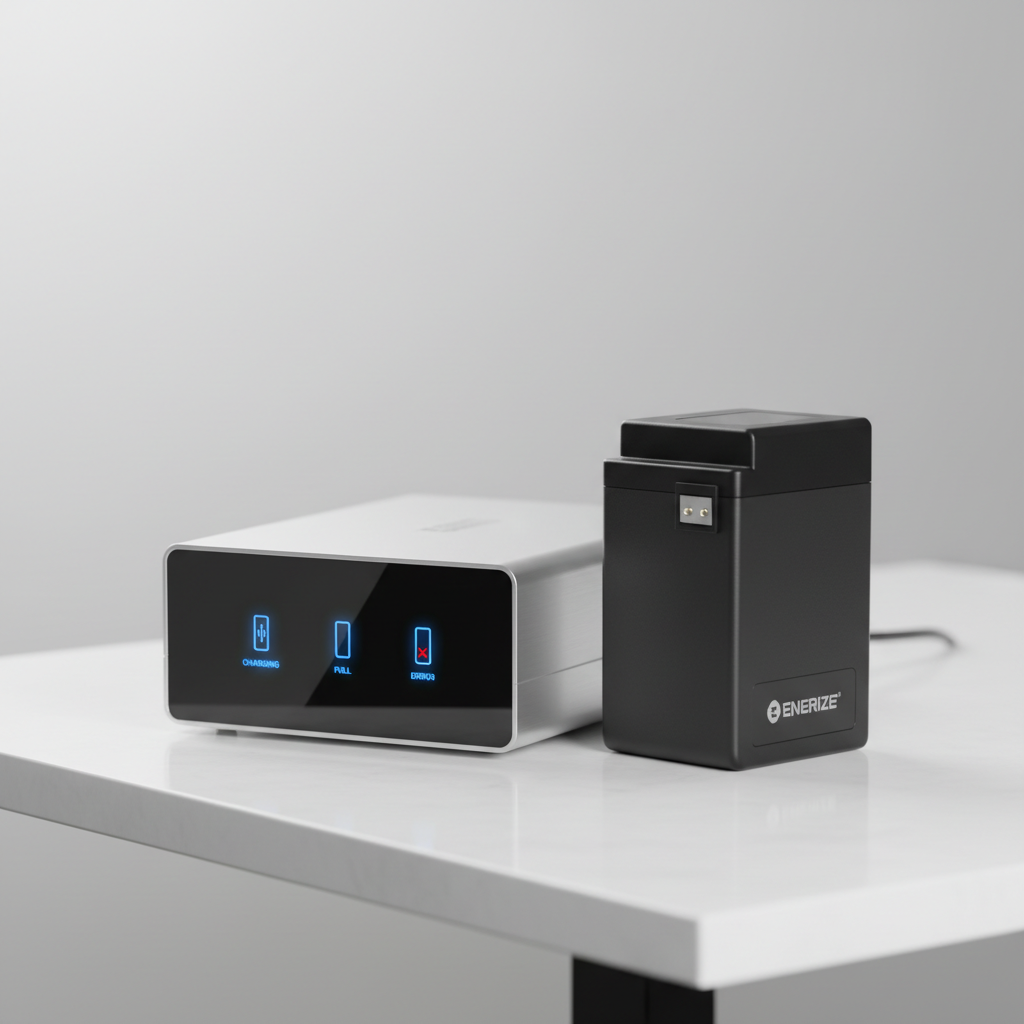
Common mistakes that waste time (or make it worse)
- Assuming the battery is dead without testing the charger. Chargers fail more often than people expect, especially after power surges.
- Leaving it on the charger for days hoping it “comes back.” If it’s refusing charge due to protection, time alone rarely fixes the trigger.
- Mixing brands on high-power packs (e-bikes, power stations, tools). Even if plugs match, communication pins and charge profiles may not.
- Trying to “jump-start” lithium packs with another battery. This can create uncontrolled current flow.
- Ignoring heat. Warmth during charging is one thing, getting hot is another.
When to stop DIY and get professional help
If you’re still working through how to fix a lithium battery not charging and you hit any of these, it’s usually time to hand it off.
- Pack swelling, deformation, crack marks, or fluid residue.
- Repeated charger error even with a known-good charger and clean connectors.
- The battery gets hot quickly during charge attempts.
- The pack powers the device briefly but collapses under light load, a common sign of failing cells.
- You rely on the battery for critical use (medical devices, mobility equipment), where “maybe fixed” isn’t acceptable.
In many cases, the most reasonable next step is a manufacturer diagnostic, a reputable battery rebuild service (where appropriate), or replacement with a pack that matches the original specifications.
Practical wrap-up: the fastest path to a real answer
Most charging failures trace back to compatibility, connection quality, temperature lockouts, or BMS protection doing its job. If you keep your steps boring and systematic, you usually find the culprit without risking the pack.
- Action step 1: verify charger specs and test with a known-good charger or cable before blaming the battery.
- Action step 2: if you see swelling, heat, or repeated errors, stop and contact the manufacturer or a qualified technician.
If you need, share the device type (tool battery, e-bike, laptop, power station), charger model, and the exact indicator behavior, and you can usually get to a clearer diagnosis quickly.
FAQ
Why does my lithium battery show charging but never increases?
Often it’s a calibration or reporting issue, especially on laptops and devices with software battery gauges, but it can also happen when the device load is high while plugged in. Try charging with the device off and running one full discharge/recharge cycle; if it repeats, capacity loss becomes more likely.
Can a lithium battery be “too dead” to charge?
Yes. Many chargers refuse to start if pack voltage drops below a safety threshold, because charging unstable cells can be dangerous. In that case, a professional evaluation is safer than DIY jump methods.
How do I know if it’s the charger or the battery?
The quickest test is a known-good charger on your battery, or your charger on a known-good battery of the same system. If you can’t cross-test, a multimeter check of charger output and pack voltage can still narrow it down.
Why does charging stop when the battery is cold?
Many lithium chemistries limit charging at low temperatures to prevent lithium plating, which can permanently reduce capacity. Let the pack warm to room temperature naturally, then retry.
Is it okay to leave lithium batteries on the charger overnight?
Many modern systems manage charging safely, but it depends on charger quality and pack design. If you notice heat, intermittent charging, or error lights, avoid unattended charging and consider replacing the charger.
My battery only charges to 80%. Is that a problem?
Not always. Some devices intentionally stop around 80% to extend lifespan. Check device settings, battery health features, or the manufacturer app before assuming failure.
What does a blinking red light on a lithium charger mean?
It varies by brand, but common meanings include temperature fault, poor connection, cell imbalance, or pack failure. Look up the exact model’s code table, and don’t keep retrying if the pack warms up or the error repeats.
If you’re troubleshooting multiple packs for tools, e-bikes, or equipment fleets and want a more streamlined path, a simple workflow with a known-good charger, a basic multimeter, and a written symptom log often saves time and reduces guesswork without pushing into risky DIY repairs.